Odoo implementation in Canada: a 10-step checklist
How to plan an Odoo ERP roll-out for a Canadian business: localisation, sales taxes, data migration, integrations, training and go-live.
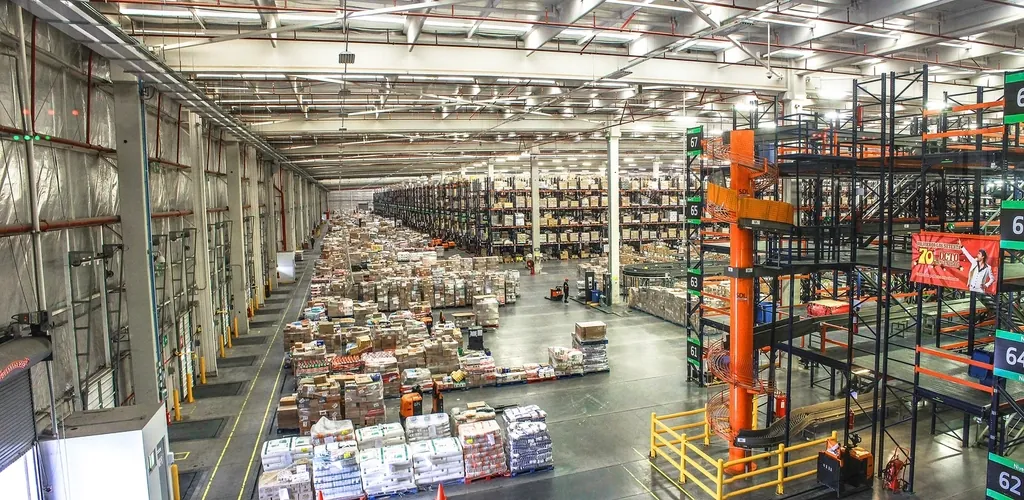
Odoo can replace a tangle of spreadsheets and disconnected apps with one system for sales, inventory, purchasing, manufacturing and accounting. Most failed implementations fail for the same reasons: unclear processes, dirty data and too much customisation too early. This checklist keeps your project on track.
The checklist
- Map your current processes: quote to cash, procure to pay, and stock movements. Agree the future process before configuring anything.
- Choose Community or Enterprise, and your hosting: Odoo Online, Odoo.sh or your own cloud in a Canadian region.
- Install the Canadian accounting localisation and set up the chart of accounts with your accountant.
- Configure taxes by province: GST, HST, QST and PST, including fiscal positions for out-of-province and export customers.
- Decide your units of measure, product categories, routes and warehouses before importing products.
- Clean your data: duplicate customers, inconsistent SKUs and obsolete products. Import into a test database first.
- Integrate only what you need for go-live (often ecommerce and shipping), and phase the rest.
- Limit customisation in phase one. Use standard features and Studio where possible; build custom modules for genuine gaps.
- Train each role on its own workflow, with written procedures, and run a full test week in parallel.
- Go live at the start of a month or quarter, with opening balances reconciled and support on hand for the first weeks.
Tip: Budget for change management. The software is rarely the hard part; getting everyone to stop using the old spreadsheet is.
How long does it take?
A focused implementation for one company with sales, inventory, purchasing and accounting typically takes 8 to 12 weeks. Manufacturing, multiple warehouses or multiple companies add time, and are best phased.